How to Create Videos From Listing Photos Fast
A listing can have excellent photos and still feel invisible once it reaches a buyer’s feed. Static images ask people to stop, swipe, and piece the home together themselves. Video gives the property a clearer story – and you do not need another appointment, another vendor, or another editing project to create videos from listing photos.
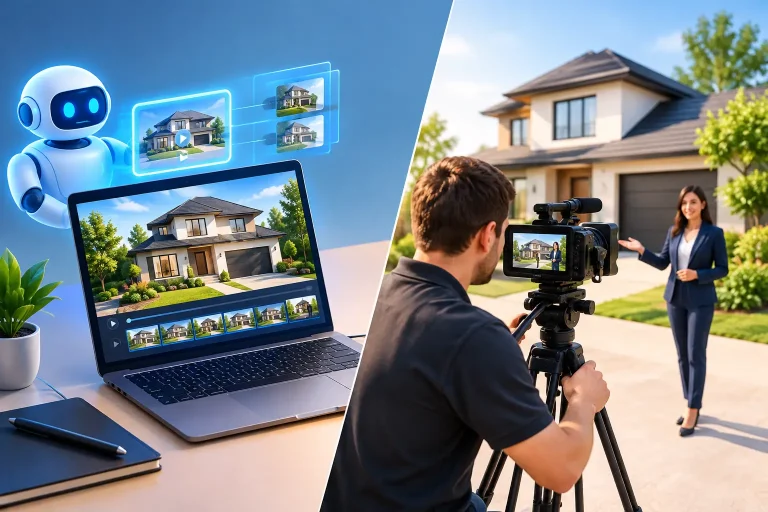
For most agents, the practical question is not whether video works. It is whether every listing can get video without turning marketing into a production job. If you are relying on a videographer for every property, you have to book a date, coordinate access, meet them at the home, wait for the edit, and absorb a cost that may not fit every price point. That process can make video a luxury rather than a listing standard.
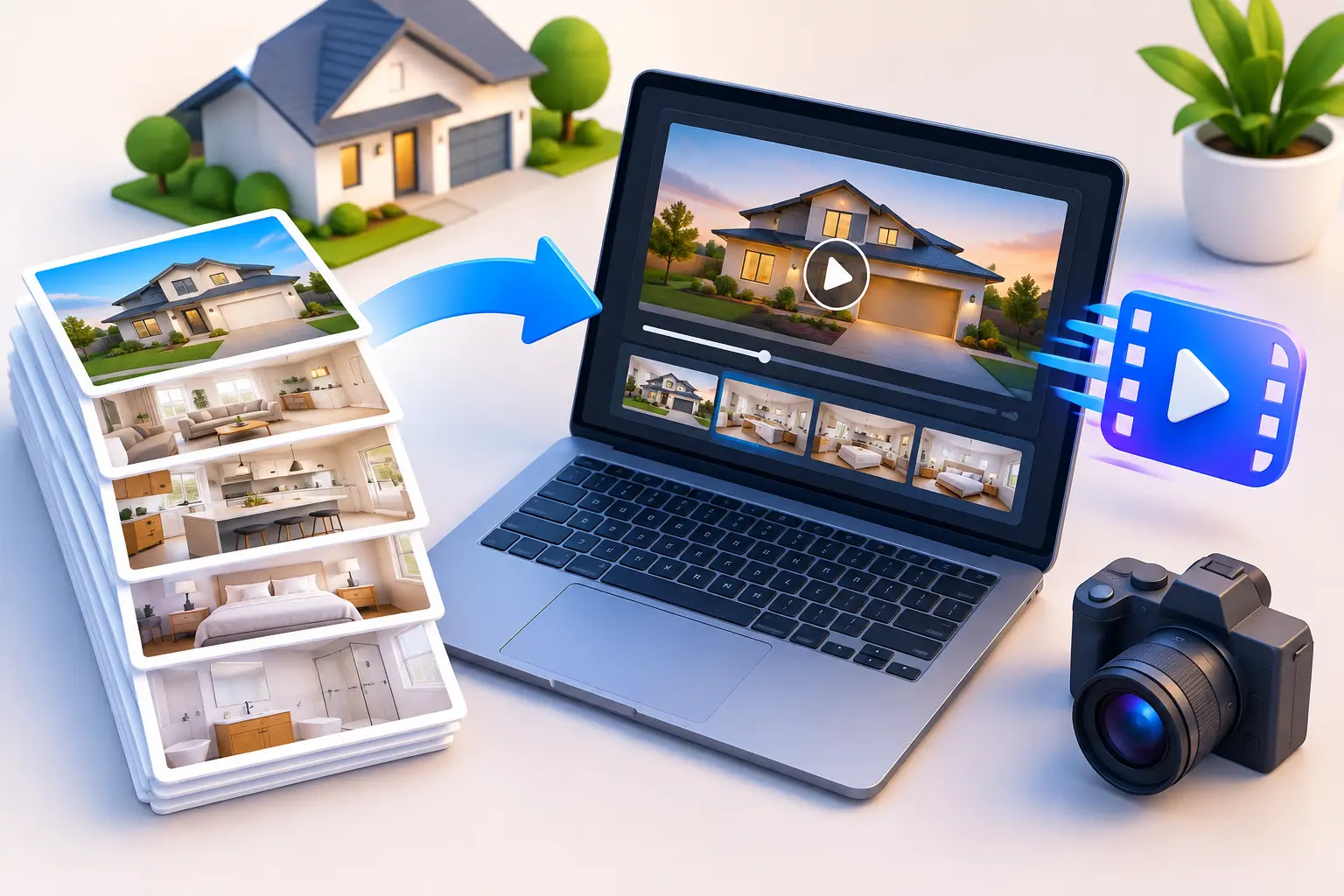
Listing-photo video changes the math. It uses the photos and property details already in your workflow, then turns them into a polished asset for the channels where buyers, sellers, and referral partners are paying attention.
Why listing photos are enough to start
Professional listing photography already does much of the visual work. It captures the rooms at their best, establishes the home’s key selling points, and provides the consistency buyers expect in an MLS presentation. The missing piece is motion, pacing, and context.
A well-produced photo-based video can move through the exterior, entry, living areas, kitchen, bedrooms, outdoor space, and property highlights in a deliberate sequence. Add a natural voiceover, on-screen captions, music, and a clear closing contact frame, and the listing feels far more complete than a slideshow with generic transitions.
This approach is especially useful when the listing is moving quickly. You may have photos before you have time to schedule video. The property may be occupied, hard to access, located outside your normal service area, or simply not priced for a separate video production budget. In those cases, waiting for footage can mean missing the first and most valuable days of promotion.
Photo-based video does not replace every type of property film. A luxury estate, a large acreage property, or a home with exceptional architectural movement may justify a custom videographer and drone footage. But for the recurring reality of residential listings, a photo-driven video gives you a professional, repeatable asset without making every launch dependent on a shoot day.
How to create videos from listing photos in three steps
The goal is not to become a video editor. The goal is to turn your existing listing materials into something you can post, send, and show to sellers quickly.
1. Start with the listing link or upload your photos
Use the listing data you already have. A listing link can supply the address, price, beds, baths, square footage, remarks, and images. If you are working before the listing is live, upload the photos directly and add the property details yourself.
Choose images that tell a logical story. Lead with the strongest exterior or hero image, then make the interior progression feel natural. A kitchen photo should not appear after the primary bedroom unless there is a reason for it. Include features that support the home’s position in the market, whether that is a renovated bath, a covered patio, a pool, a home office, or a view.
Do not try to force every image into the video. Thirty similar photos of the same living room do not create a better result. Select the images that make a buyer want to keep watching.
2. Review the narration before the video is rendered
The voiceover is where a listing video becomes marketing instead of a sequence of images. It should explain what matters about the home without repeating every field from the MLS.
A useful script might frame the property around location, layout, upgrades, lifestyle, and the most persuasive spaces. For example, instead of saying, “This home has three bedrooms and two bathrooms,” you might say, “The flexible three-bedroom layout includes a bright home office option and a private primary suite.” The facts are still there, but the viewer gets a reason to care.
Always review the script. Automated copy is a starting point, not a substitute for your local knowledge. Correct neighborhood references, remove claims you cannot support, adjust the tone to fit the property, and make sure any feature language matches the listing remarks. This is also the moment to confirm that the agent name, brokerage details, phone number, and call to action are correct.
Visual Property Agent gives agents editable spoken lines before rendering, so you can keep the speed of automation without giving up control over what is said.
3. Render the formats you will actually use
One listing needs more than one destination. The MLS and YouTube favor 16:9 landscape. Instagram Reels, TikTok, and YouTube Shorts are built around 9:16 vertical viewing. Your website, email campaigns, seller updates, and social posts may each call for a different version.
Create both formats from the same listing rather than treating vertical video as an afterthought. The footage-free workflow makes that practical: camera motion can be applied to the images, captions can be placed for mobile viewing, and branding can be included where it belongs.
For MLS use, make sure you have an unbranded, MLS-safe version when your market rules require it. For your social channels and direct marketing, use the branded version with your name, brokerage information, and contact details. They serve different jobs. One supports listing distribution; the other supports your business visibility.
What separates a polished video from a basic slideshow
A property video built from photos has to earn attention in the first few seconds. That starts with pacing. Let strong images breathe, but do not hold a frame so long that the viewer scrolls away. Keep the sequence moving, and use camera motion that supports the image rather than distracts from it.
Narration and captions should work together. Many viewers watch social content with the sound off, particularly on mobile. Captions help them follow the message. The voiceover adds personality and context when audio is on. Background music should set a professional tone without competing with the narration.
Branding also needs restraint. Put your information where it helps the viewer take action, such as a title card, closing frame, or subtle lower-third. A logo stamped across every photo can pull attention away from the home. The property remains the subject. Your branding makes it clear who can help someone see it.
Finally, use real listing images as the foundation. Photo-preserving treatments can add visual energy, but they should not invent finishes, alter room layouts, or create a version of the home that a buyer will not recognize at the showing. Trust is more valuable than novelty.
Use the video beyond the listing launch
The first post is only the beginning. A 16:9 version can live on your property page, be included in an email to your database, and support a YouTube listing channel. A vertical version can become a Reel, Short, or TikTok that reaches people who may not be actively searching portals.
It also gives you something more concrete to show sellers. Instead of promising broad digital exposure, you can explain that their home will receive a narrated video in the formats buyers use every day. That is a useful differentiator at the listing appointment, particularly when competing agents are offering the same photography package and syndicated MLS placement.
For teams and high-volume agents, the bigger advantage is consistency. Every listing, from the starter condo to the move-up home, can receive a professional video asset. Your marketing stops depending on whether there was room in the calendar for a separate production.
A faster standard for every listing
The best workflow is the one you can repeat when three listings go live in the same week. Start with strong photos, keep the script accurate, choose the right branded and MLS-safe versions, and publish while the listing is new.
That gives each property more than a photo gallery. It gives buyers a reason to pause, sellers a visible sign of effort, and your business a marketing standard that does not require filming, editing expertise, or waiting days for an export.