MLS-Safe Unbranded Video Exports for Listings
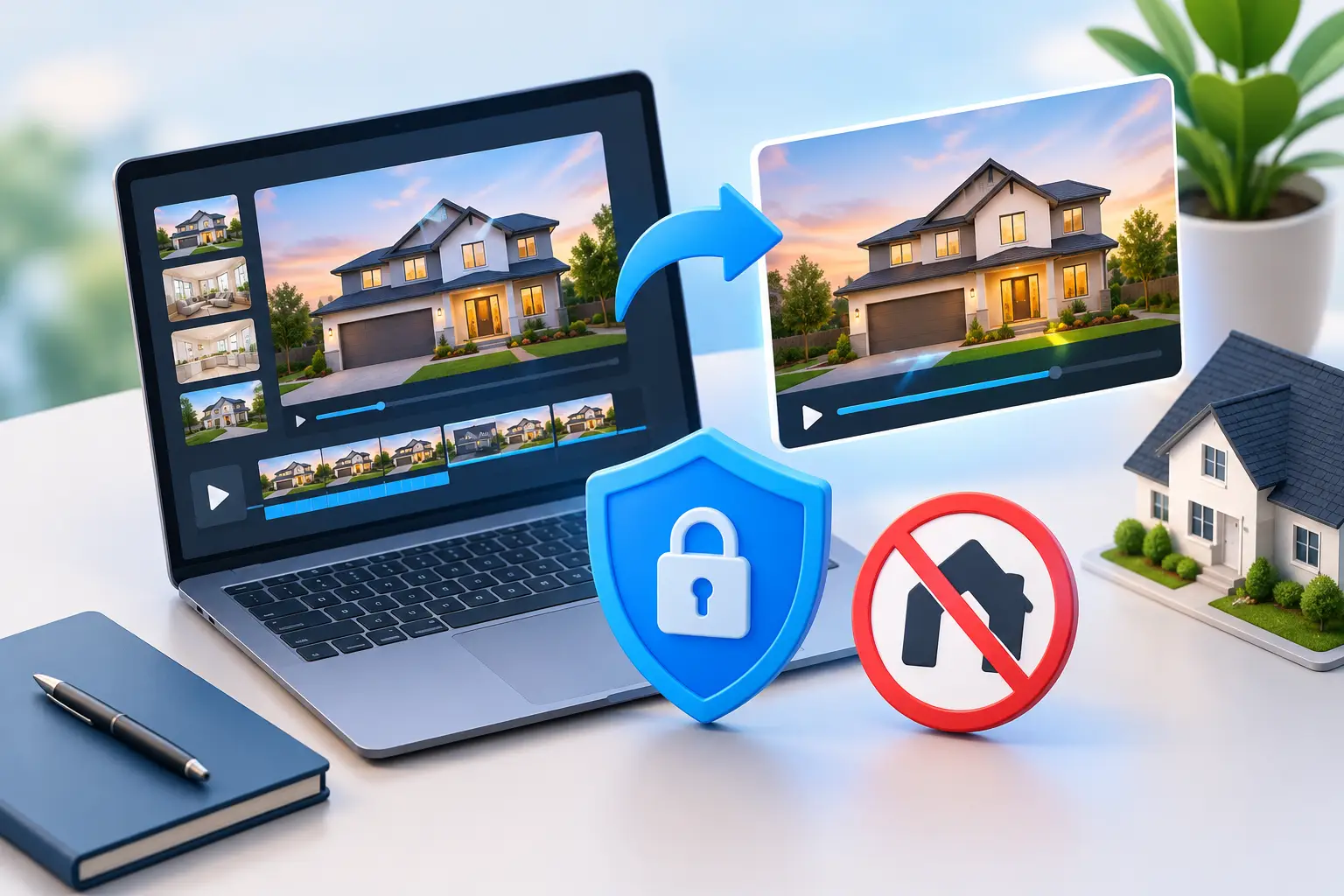
A listing video can help a property stand out. But if the version you upload to the MLS includes your logo, phone number, website, or a promotional end card where your local rules prohibit it, you may have to pull it down and start over. An MLS safe unbranded video export solves that problem: one property video workflow, with a clean version for the MLS and a branded version ready for every place where agent promotion belongs.
That distinction matters when a listing is moving fast. You do not need a separate shoot, a second editor, or a stripped-down remake after the fact. You need the right version of the same asset when you are ready to publish.
What an MLS-safe unbranded video export means
An unbranded export is a property-focused video with the marketing identifiers removed. Depending on the MLS and the type of media field, that can mean removing agent and brokerage logos, headshots, phone numbers, email addresses, website addresses, social handles, QR codes, and calls to action.
The property details still do the work. Viewers can see the exterior, kitchen, primary suite, backyard, features, captions, and a clear visual flow through the home. What they should not see in an unbranded version is a promotional element that turns the video into an ad for the listing agent or brokerage.
Rules are not identical everywhere. Some MLSs have specific requirements for virtual tours, video links, branding, music, listing descriptions, or media hosted outside the MLS. Others distinguish between public-facing media and agent-only fields. That is why “MLS-safe” should mean built for clean delivery, not a substitute for checking your local MLS rules and brokerage policy before publishing.
The practical goal is simple: export the clean version first, then keep your branded video for social, your website, email campaigns, YouTube, and seller promotion.
Why one video should have two versions
MLS distribution and agent marketing serve different jobs. The MLS version is there to present the property in the format your marketplace allows. Your branded version is there to build recognition, create inquiries, and remind future sellers who is consistently marketing homes well.
Trying to force one file to do both usually creates a compromise. If you make it fully branded, it may not fit MLS requirements. If you make it entirely neutral, you lose a valuable chance to promote your business on Instagram Reels, TikTok, YouTube Shorts, email, and your listing page.
A two-version approach avoids that trade-off. The property footage, pacing, script, captions, and music can remain consistent. The branding layer changes based on where the video will be used.
For an agent, that creates a cleaner workflow. You can post a 16:9 landscape version where it is needed for listing distribution and long-form viewing, then use a 9:16 vertical branded version for social media. The listing gets professional coverage without asking you to rebuild assets for every channel.
What to remove from the unbranded version
Do not think only about the final logo screen. Branding can show up throughout a video, often without anyone noticing until the file is already uploaded.
Review the opening title card, lower-third captions, end card, watermark, spoken voiceover, on-screen text, and any embedded contact details. A line such as “Call Jane Smith to schedule a private tour” is branding even if there is no logo on screen. The same is true for a brokerage name in the voiceover or a website printed in the captions.
Music deserves a quick review too. The issue is usually licensing rather than branding, but MLS upload systems and social platforms can handle music differently. Use audio you have rights to use, and keep a backup version without music if your local process requires it.
There are cases where a property feature itself includes a brand name, such as a named appliance, smart-home system, or neighborhood amenity. That is different from agent promotion. Still, when in doubt, review the specific rule rather than assuming every name must be removed.
A practical MLS export checklist
Before uploading, play the entire video once as a viewer would. Do not only inspect the first and last frames. Branding often slips into a caption halfway through the reel or into a spoken closing line.
Use this quick check:
- No agent, team, or brokerage logo
- No headshot, phone number, email, website, social handle, or QR code
- No promotional call to action in text or voiceover
- No branded intro, outro, watermark, or lower third
- No incorrect listing details, price, status, or property address
- Video orientation, file type, length, and audio meet local MLS requirements
The final point is worth taking seriously. An unbranded video can still be rejected if it is too long, formatted incorrectly, or attached in the wrong MLS field. Your local rules decide the final standard.
Build compliance into production, not cleanup
The expensive way to make an MLS version is to create a fully branded social video, then ask someone to remove the logo, rewrite the ending, re-record the voiceover, and re-render the file. That is not difficult once. It becomes slow and costly when every listing needs the same treatment.
A better system starts with a property-first master. Build the story around the home: the arrival, layout, upgrades, natural light, outdoor space, and location benefits that are accurate and supportable. Then apply a clean export profile for MLS use and a branded export profile for your marketing channels.
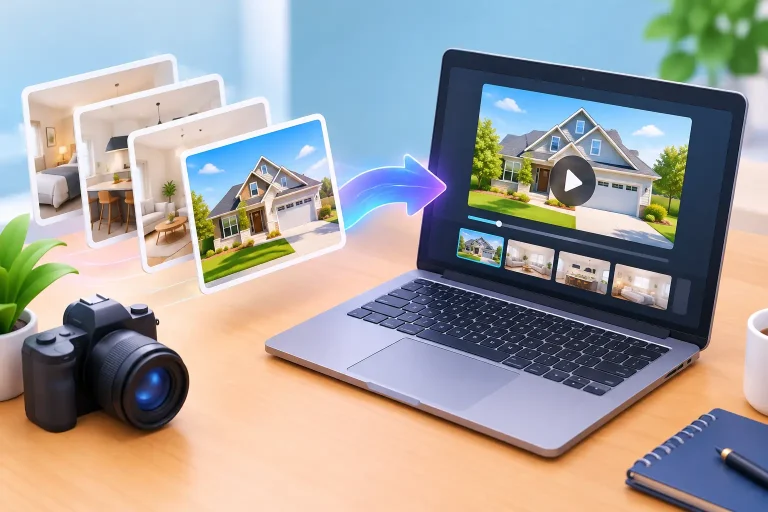
This is especially useful for agents who use listing photos rather than scheduling a videographer. The photos you already have can become a narrated 1080p video with motion, captions, music, and a polished sequence. You edit the script before rendering, which gives you a chance to remove promotional language from the MLS version before it becomes a production problem.
Visual Property Agent is designed around that workflow, producing both branded and MLS-safe unbranded versions from the same listing photos or listing link. Instead of booking a shoot, meeting at the property, waiting days for an edit, and paying for every revision, you can create the assets while the listing is being prepared for launch.
Keep the branded version working after the MLS upload
The clean MLS file protects your distribution process. The branded file should keep working long after the property goes live.
Use the vertical version for a Reel, Story, Short, or TikTok. Use the landscape version for YouTube, your website, and seller email. Add the branded video to your listing presentation library when the property is sold. A seller considering an agent does not need to see a Hollywood production. They need to see that you give listings a polished, consistent marketing plan.
That consistency matters more than making one luxury listing look impressive while the next three receive only still photos. When every listing gets a video, your marketing becomes easier to explain to sellers and easier to repeat across your pipeline.
Avoid the two common mistakes
The first mistake is treating “unbranded” as a generic label rather than reviewing every visible and spoken element. A logo-free end card does not make a video compliant if the voiceover says, “Presented by,” followed by your business name.
The second is waiting until upload day to ask what your MLS allows. Check the rules when you choose your media plan. If your MLS has unusual requirements, you can adapt the script and export before the listing deadline creates pressure.
A clean, property-first video does not reduce your marketing. It puts the right message in the right place. Keep the MLS version focused on the home, keep the branded version focused on your business, and let every listing leave you with content that is ready for both.