Can MLS Videos Show Branding? Know the Rules
A polished listing video can help you win the seller, earn more attention online, and give a property a stronger presentation. But can MLS videos show branding? Usually, the safest answer is no – at least not in the version uploaded as MLS media or used as a virtual tour.
Most MLSs want listing media to market the property, not the agent, team, brokerage, or service provider. Your headshot, logo, phone number, website, watermark, and call to action may be perfect for Instagram, YouTube, email, and your listing presentation. They can be a compliance issue in the MLS.
The exact rule depends on your local MLS. That matters. Some allow limited brokerage identification in certain fields but not inside photos, video, or virtual-tour media. Others prohibit any branding in public-facing media. Before you publish, check your MLS rules and ask your broker or MLS support team when the language is unclear.
Can MLS Videos Show Branding? Treat the MLS Version Differently
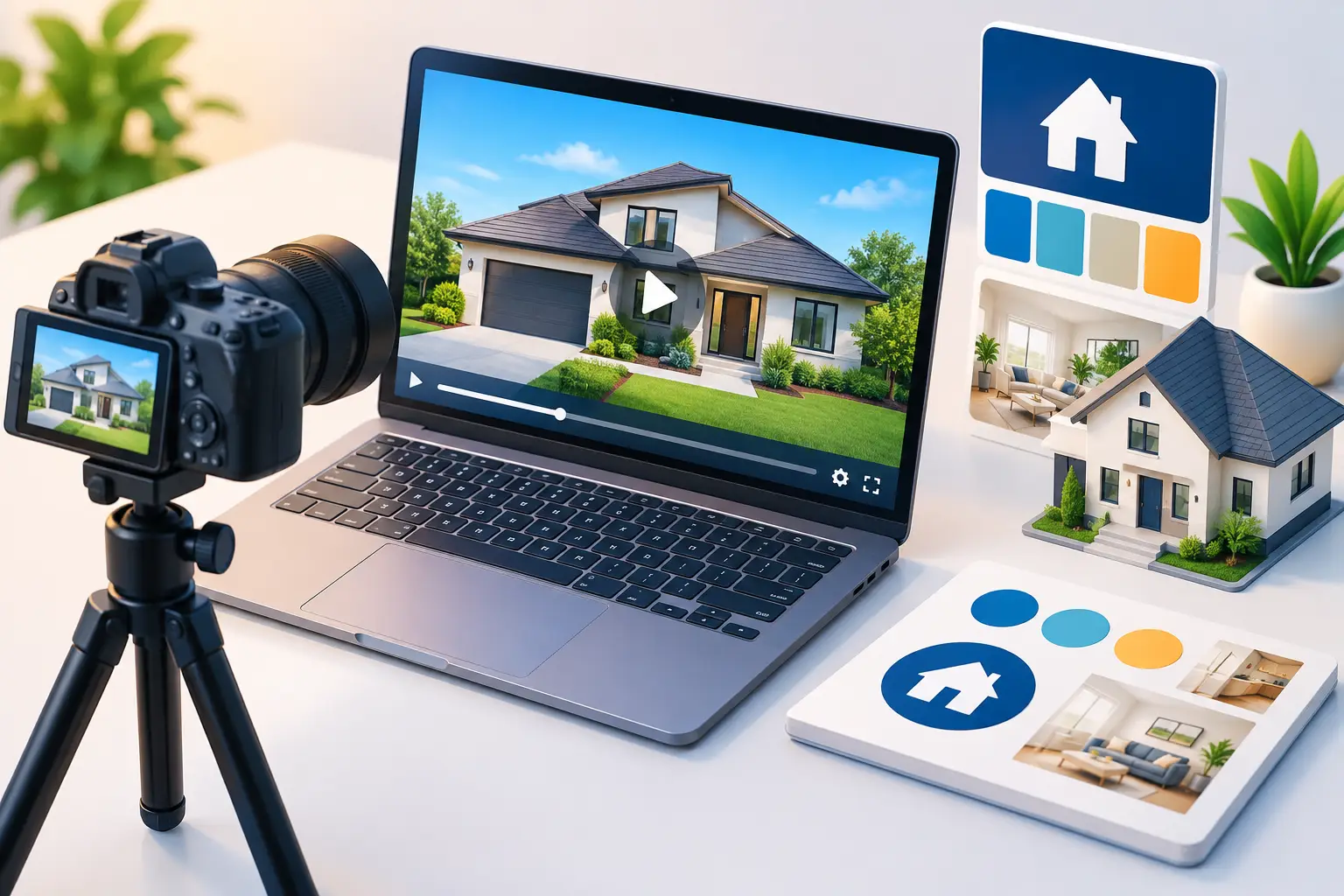
Think of every listing video as two assets, not one. The MLS version should be property-first and unbranded. The marketing version can carry your full identity and give viewers a clear way to contact you.
This is not extra work for the sake of it. It lets you use the same listing photos and core video story across every channel without risking a takedown, a correction notice, or a frustrated seller asking why their listing disappeared from the feed.
An MLS-safe video can still be compelling. It can feature the home exterior, rooms, upgrades, views, amenities, captions describing the property, music, and a neutral voiceover. The goal is to let the home do the selling while the MLS listing itself supplies the required agent and brokerage information around the media.
Your branded version can do more. It can open with your logo, include an agent intro, show a final contact card, name your team, and direct viewers to call, text, or visit your website. It is built for social posts, listing landing pages, email campaigns, YouTube, and seller-facing marketing.
What Counts as Branding in a Listing Video?
Branding is broader than a logo in the corner. If it identifies you or prompts a prospect to contact you, assume it needs to come out of the MLS version unless your local rules specifically permit it.
Common examples include:
- Agent, team, brokerage, photographer, or vendor logos
- Names, headshots, phone numbers, email addresses, and website URLs
- Watermarks, lower-thirds, and branded opening or closing title cards
- QR codes, social handles, hashtags, and calls to call, text, or message
- Spoken agent introductions or voiceovers that name an agent or brokerage
- Captions that include contact details or promotional language
Even a subtle logo can trigger a rule violation. So can an unbranded-looking video with a final frame that says, “Presented by Jane Smith.” If a viewer can identify the advertiser from the video itself, it is branding.
There are gray areas. A neighborhood sign, a builder name on a fireplace plaque, a store visible through a window, or a community entrance monument may appear naturally in the footage. You generally do not need to edit out normal property context. The concern is promotional identification added to the asset, not every real-world brand that happens to be visible.
Keep the Property Story Strong Without the Contact Card
An unbranded video does not have to feel generic. It needs a better property narrative.
Start with the strongest visual reason to stop scrolling: curb appeal, a kitchen renovation, a view, a pool, or an impressive living space. Then move through the home in a logical sequence. Use captions and narration to point out what matters to buyers, such as the flexible office, walk-in pantry, covered patio, updated systems, or proximity to community amenities.
Keep the language factual and specific. Say, “Four-bedroom home with a main-level guest suite and covered outdoor living,” rather than making vague claims about an unbeatable lifestyle. Accurate property details are more useful to buyers and safer from both a compliance and advertising standpoint.
Music, motion, and captions can make still listing photos feel like a finished video presentation. But captions need the same review as the visuals. An MLS-safe video should not have a contact prompt tucked into the bottom of every scene or an agent name spoken at the end.
Build Branded and MLS-Safe Versions at the Same Time
The practical workflow is simple: create the property video once, then export two versions before you start distributing it.
The first version is your MLS-safe asset. It has neutral title cards, property-focused narration, no logo, no watermark, no contact details, and no promotional end screen. Upload this version only where your MLS rules require unbranded media.
The second is your branded marketing asset. Add your logo, colors, agent or team name, contact information, and a concise call to action. Use it everywhere you control the marketing experience: social platforms, your website, email, digital ads, listing presentations, and direct messages with buyer leads.
This approach is especially useful for vertical video. A 9:16 Reel can be branded for social while a 16:9 landscape version remains clean for the MLS. One property story, two delivery formats, and no last-minute scramble to remove a logo after the video has already been shared.
Visual Property Agent is built around this exact split. It turns listing photos into narrated 1080p videos and produces MLS-safe unbranded and branded versions in landscape and vertical formats. You can review and edit every line of the voiceover before rendering, which makes it easier to keep the MLS script property-focused while giving your social version a stronger marketing finish.
Review More Than the Visible Logo
Before uploading, watch the MLS version from start to finish as if you were a compliance reviewer. It is easy to remove a logo and miss the brokerage name in a caption, a phone number embedded in a final still, or an agent introduction in the audio.
A quick final check should cover the title card, every caption, voiceover, watermark placement, final frame, file name, and video description. The file name and description may not be visible within the video, but they can still be governed by MLS media rules. Avoid adding agent names, company names, URLs, or promotional language there unless your MLS expressly allows it.
Also check any third-party video hosting page connected to the listing. Some MLSs permit a video link only when the destination is free of branding, lead capture forms, advertisements, or forced registration. A clean video file can still create a problem if it sends buyers to a branded landing page.
Do Not Assume Syndication Follows the Same Rule
MLS compliance and portal display are related, but they are not identical. A video uploaded to the MLS may syndicate to consumer sites, be displayed differently across platforms, or not display at all. Your local MLS controls the rules for its feed, while each destination can have its own technical requirements.
That is another reason to separate the two versions. Let the MLS-safe asset serve the MLS and its syndication path. Publish the branded asset directly to channels where branding is expected and useful. You keep control of your message without trying to make one video satisfy conflicting rules.
For sellers, this is a strong talking point. You are not choosing between compliance and marketing. Their property can receive a clean, professional MLS video plus branded social content designed to attract attention and generate conversations.
The next time a listing goes live, do not wait for a videographer, an edit queue, and a compliance surprise. Build the property-first version and the branded version together, review both before publishing, and give every listing the presentation it deserves.